Reference
Differences Between Modes
The four creation buttons are built from two separate decisions: volume type and creation method. Knowing which decision matters for your shot makes the addon easier to use.
Cube vs From Faces
| Point | Cube | From Faces |
|---|---|---|
| Preparation | No special face setup required. | Requires Object Mode, two mesh objects, one selected quad face on each. |
| Selection order | Not relevant. | Important: first selected object = source (A), second selected object = target (B). |
| Placement | Created at the 3D Cursor. | Built between two selected faces, from the first selected object (A, source) to the second selected object (B, target). |
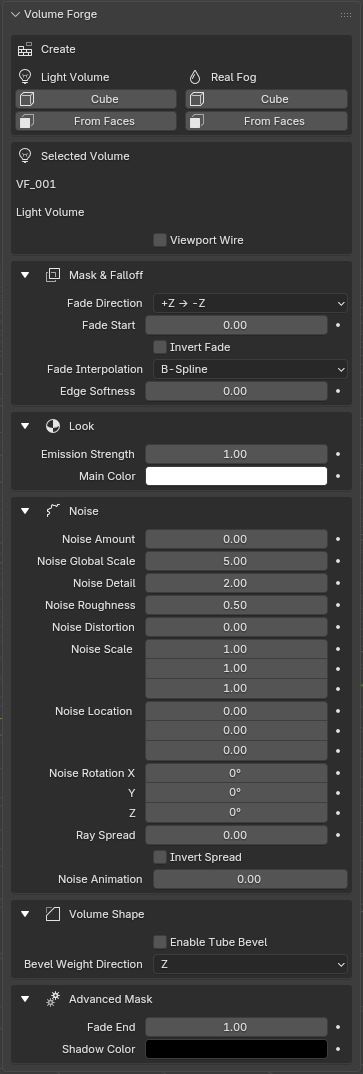
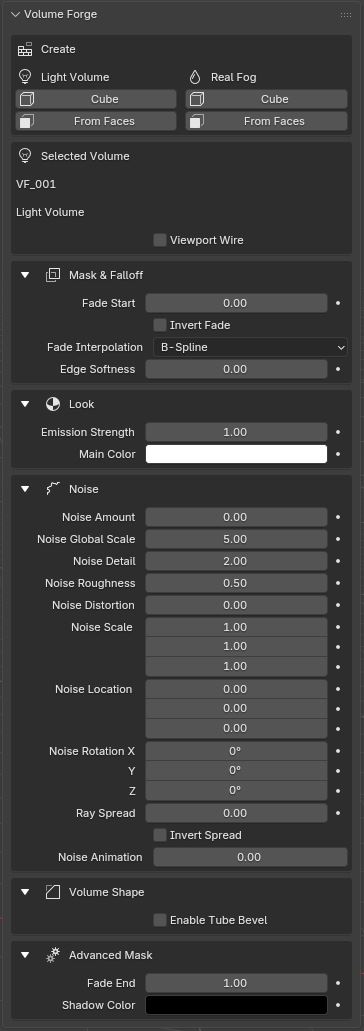
| Fade Direction control | Visible. | Hidden because the object is locked to A → B. |
| Typical use | Fast placement and look development. | Geometry-driven, scene-anchored volume creation. |
Light Volume vs Real Fog
| Point | Light Volume | Real Fog |
|---|---|---|
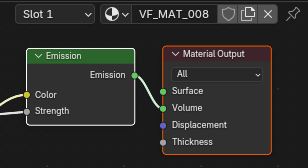
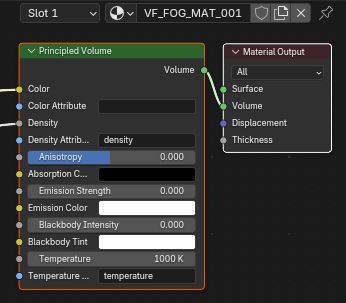
| Shader logic | Emission-based volume. | Principled Volume. |
| Main control | Emission Strength. | Fog Density. |
| Typical look | Stylized beams, light shafts, graphic atmospherics. | Localized fog, haze, and more realistic atmosphere. Real Fog is not emissive, so scene lighting is needed to reveal it clearly. |
| Performance | Usually faster. | Usually heavier but more realistic. |